Docs / Web interface
Web interface
A local dashboard for reading and editing plans.
Launch it
flanner web --open-browserServes on http://localhost:8080, bound to your own machine only. --port changes the port. Light and dark, fully offline.
A plan, open
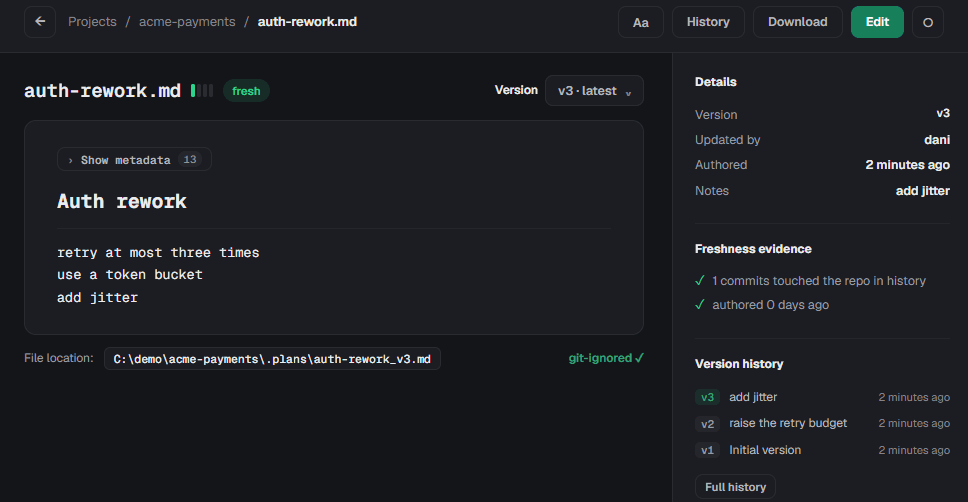
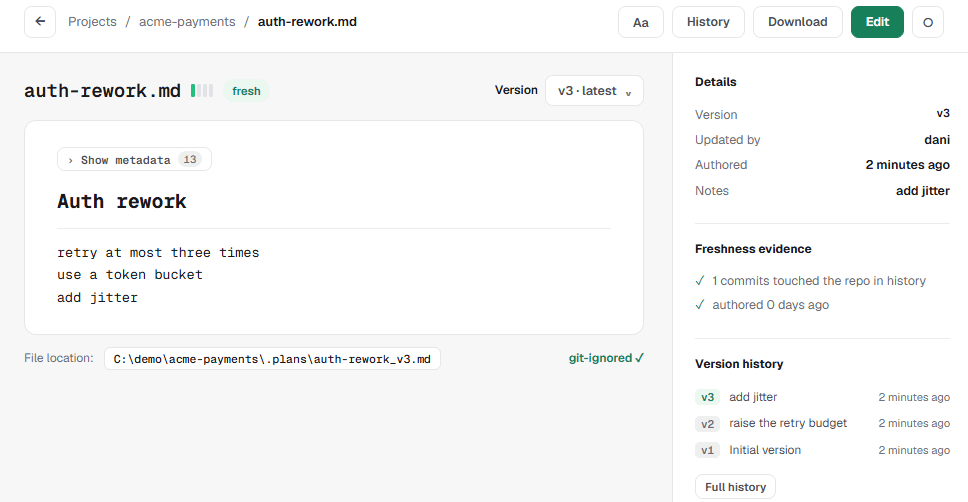
git-ignored marker are shown because the file is the record — the UI reads it, it does not own it.What it shows
Dashboard
Overview of all projects with statistics
Project Management
Create and manage projects
Markdown Preview
Beautiful rendering with syntax highlighting
Version History
Timeline view of all changes
Plan Editor
Edit plans with live preview
Responsive Design
Works on all devices
Messages
Chats with teammates on Team Mesh, with an unread count in the sidebar
Curb
What each agent can reach, with names and locations hidden as the terminal hides them
The Curb section
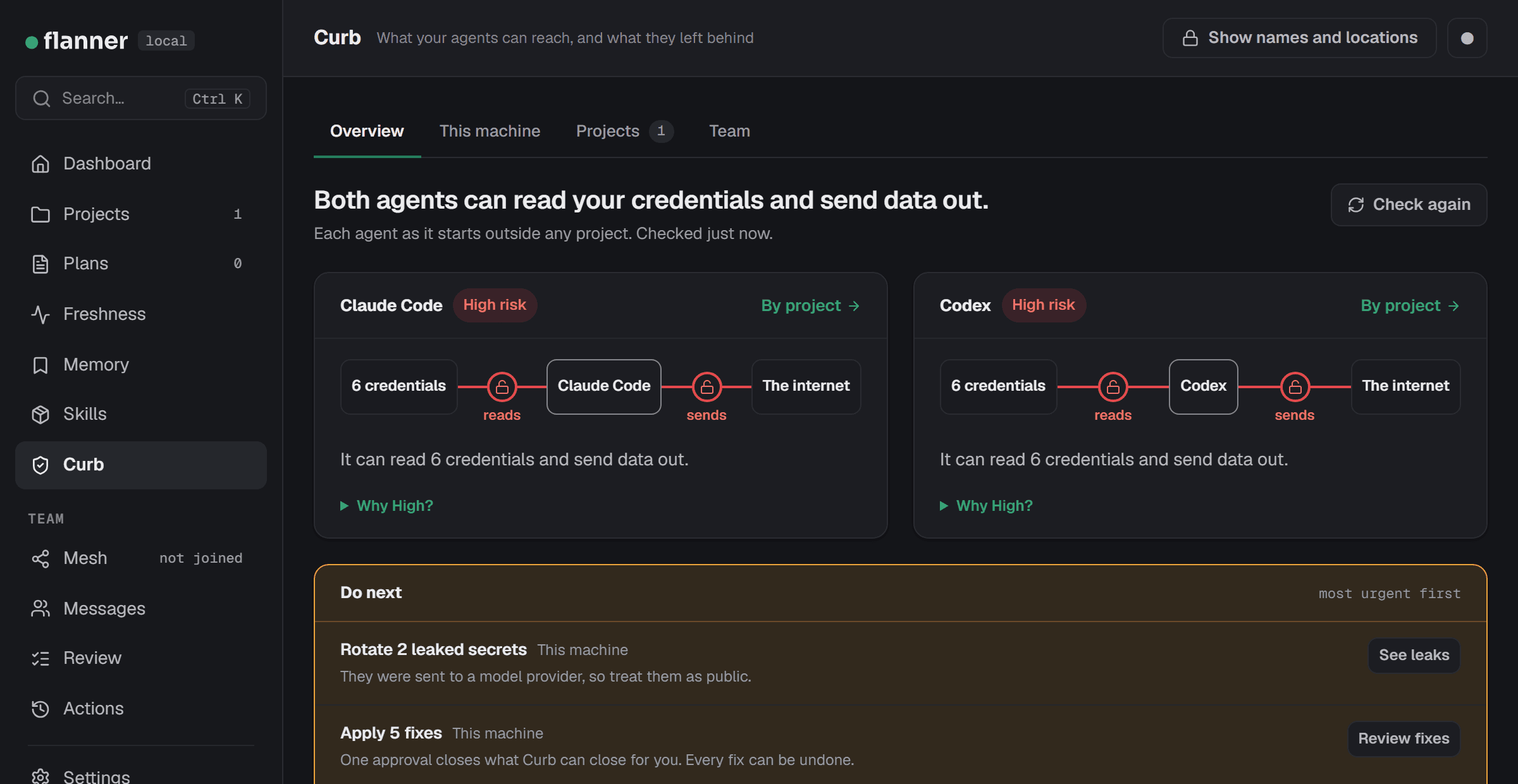
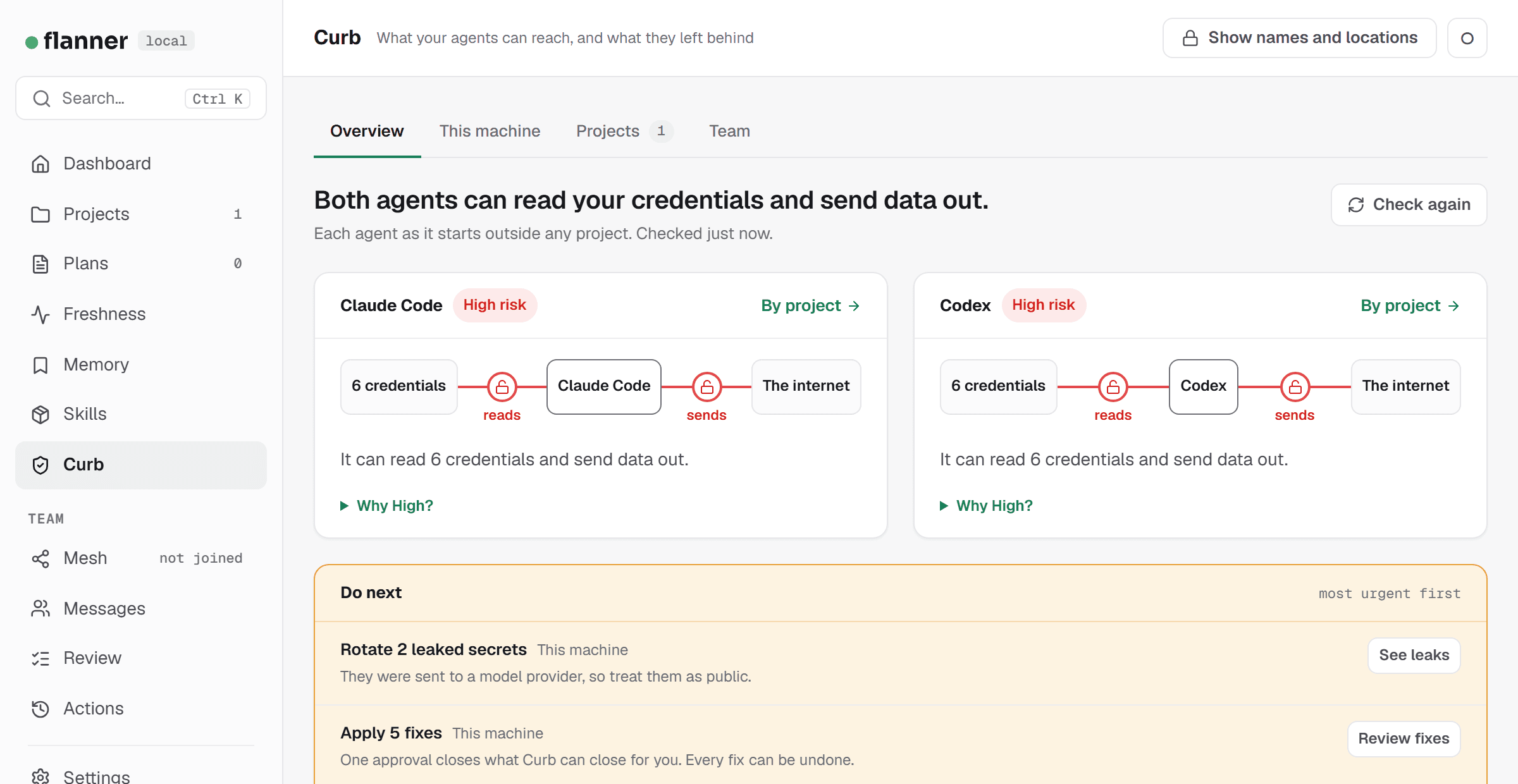
Curb in the sidebar opens /curb: what your agents can reach, as pages. It shows what the flanner curb commands show, hidden the same way. No page names a credential or a location until you ask it to.
Overview comes first. It shows each agent's risk as a picture, what to do next with the most urgent first, and a short introduction. Under it are the scopes, one tab each. A scope's parts are pages of their own.
Every part opens the same way: one sentence on what it is for, one line on where its facts come from and when they were last checked, and at most one main button. The pages use plain words. A channel is Open or Closed, and a launch is High, Medium or Low risk.
This machine
The same in every project. Each agent as it starts outside any project.
Agents
The agents installed here, and what each loads at start.
Leaks
Secrets found, by how exposed each is, and a button to scan again. Removing a secret from its file is here too.
Fixes
Fixes ready to apply, steps only you can take, fixes applied, and undo.
Tests
Each block and its test result, and the fake credentials a test planted.
Activity
Logging on or off for each agent, what each was seen using, the records, and the check that the log is intact.
Projects
What changes from project to project. Follows the project picker.
Reach
Risk for each project and agent. For one project, every channel and every kind of credential.
CI
Findings in the project's workflows, an export, and the fixes that are safe to make.
Apps
The LLM calls in the project's own code, and an export.
Commits
The agents' signing keys, and which key signed each commit.
Team
Your organization, through Flanner Mesh. Needs an enrolled device; without one, the pages say how to join.
Policy
The org policy, its state on this machine, a change waiting for your approval, and the delegation.
Devices
Each device's report, as flanner curb fleet last fetched and checked them on this machine.
Alerts
Each alert of the last 30 days, and where to act on it.
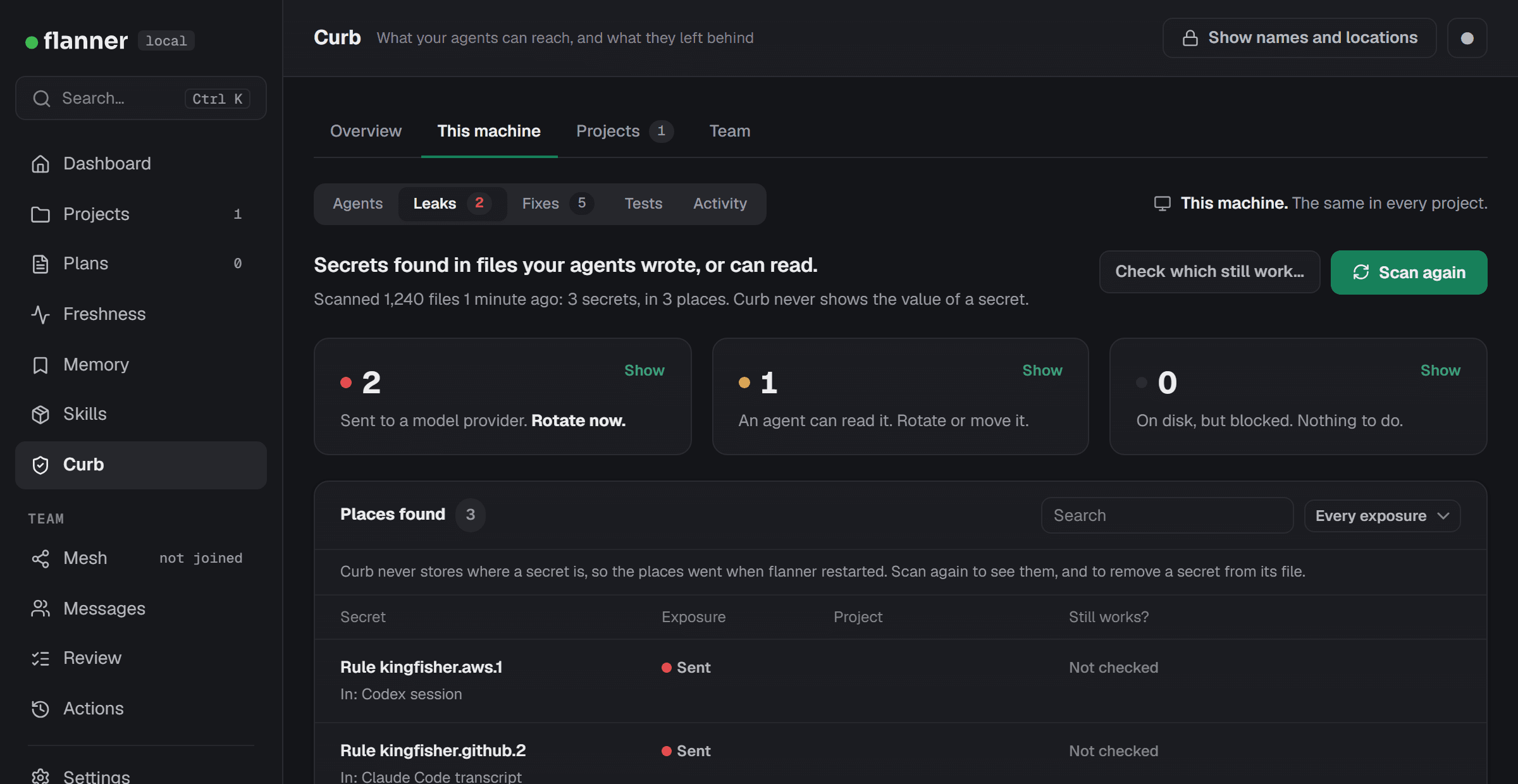
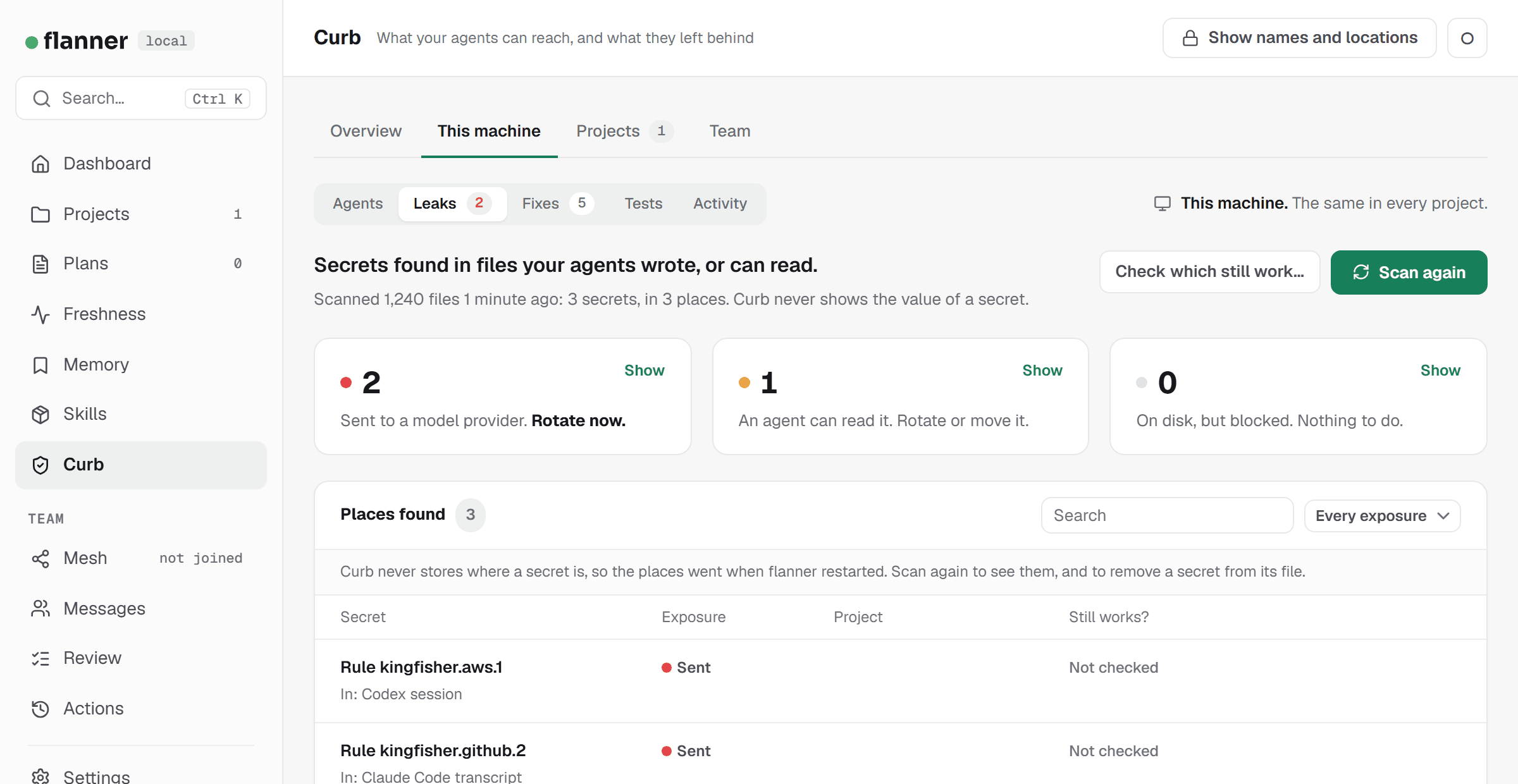
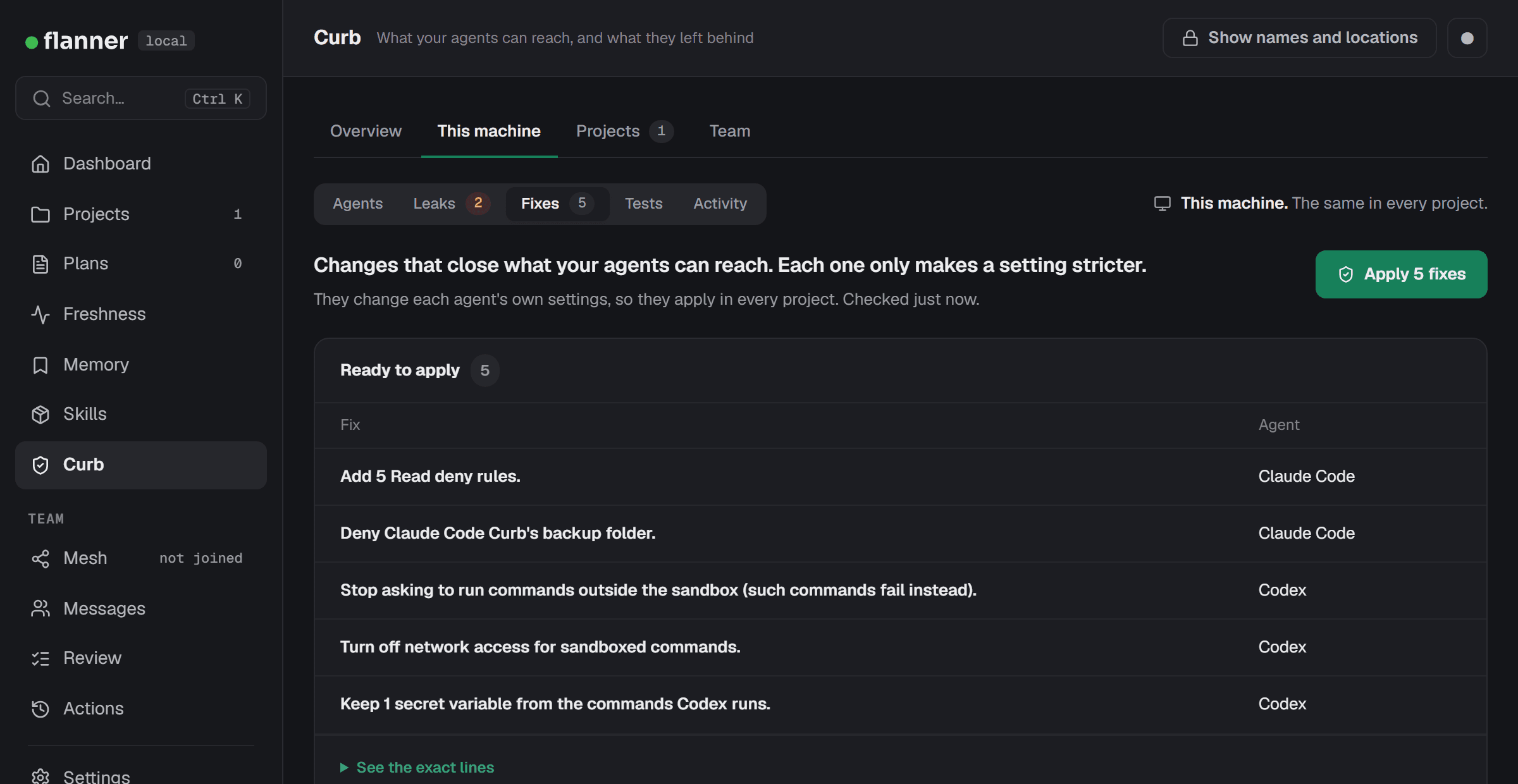
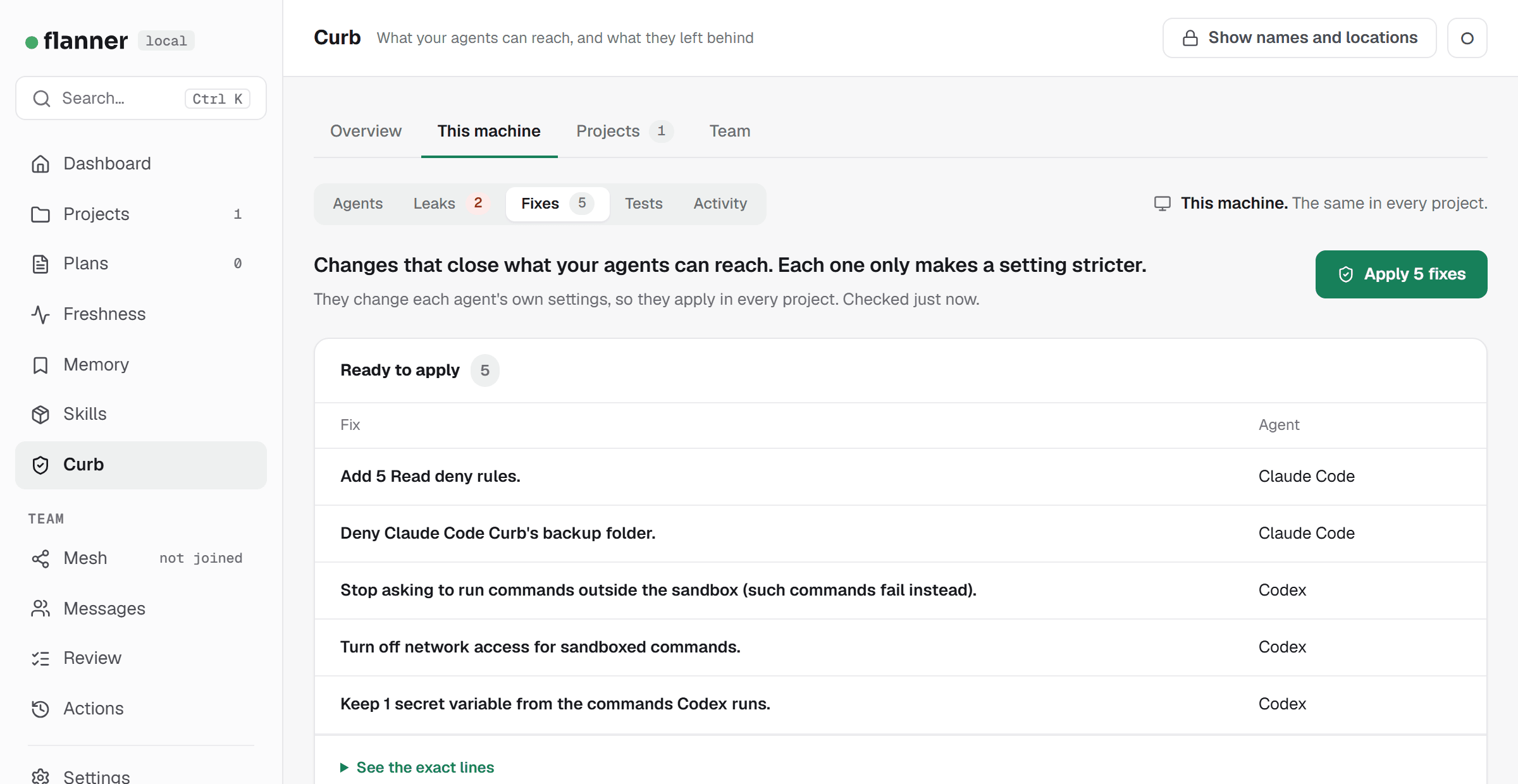
The project picker. The Projects parts follow a picker. It lists the projects on flanner's Projects page, and starts on All projects. With all projects, each table has a Project column. With one project picked, Reach shows that project in detail.
Add a project. The button beside the picker says how. Curb checks the projects on your Projects page, so add the project there with New project, or run flanner init inside the repository. Then come back and pick it. Curb reads the project's agent settings, workflows and code. It never runs them.
“This machine” means each agent started outside any project. Curb assesses it from an empty folder of its own, not from your home folder. The leak scan is the one machine part that reads projects: it covers the agents' own files and every project on the Projects page.
Names and locations
The pages hide credential names and secret locations, as the terminal does. You can show them, for a while, in one browser:
- Press Show names and locations. The page shows a four-digit code.
- Your operating system asks whether it is you. Its prompt shows a code too. Approve only if the two match.
- That browser then shows names and locations for 5 minutes. The time left is always in view, and Hide names ends it at once. So does restarting the web interface.
Nothing is written to disk. The server keeps the reveal in memory, and sends every response that carries a name marked not to be stored. A second browser sees nothing. A prompt you refuse or ignore counts toward the pause after three refusals.
On a Linux desktop the names stay hidden. Its prompt shows its own text and cannot show the code. The page says so, and points to flanner curb show, which opens them in a window on your screen.
A secret's value is never shown, with or without this.
The review before a change
A button with a shield changes something. It opens a review first: what will change, what to expect, and how to undo it. Then your operating system asks you, as it does for the commands. While it asks, the button says it is waiting. If you refuse, nothing changes, and the page says so.
Nothing in an agent's settings, a project or a credential store changes from a page without that prompt. Deleting what Curb has stored needs it too. The one exception is the same as in the terminal: under the delegation, org policy changes that only tighten apply on their own.
- A fix is planned when the page reads the settings. It is written only if they have not changed since. If they have, nothing is written, nobody is asked, and the page checks again.
- Removing a secret from its file needs names showing, so you see which file changes.
- One approval is asked for at a time. A second request is refused, and says why.
- Anything that leaves the machine, or costs money, is said before it starts. Checking which secrets still work sends each to its issuer. Running tests uses tokens.
A check that only reads, such as Check again or Scan again, runs at once and changes nothing. A slow one runs in the background: the page shows the last answer, says it is checking, and updates itself.
What stays in the terminal
The pages read this machine, and never contact your organization. So a few things stay commands. The page names them where they belong, most on a row marked Terminal only with the reason beside it.
flanner curb map -- <launch command>Checking another way of starting an agent: with extra flags, or as a scheduled job starts it. A launch command can hold anything, so Curb reads it only where you type it.
flanner curb map --dir DIRChecking a folder that is not on the Projects page.
flanner curb fixClosing one project's own files too, such as its .env file: run it inside the project. The Fixes part covers the credentials every project shares.
flanner curb policy --check-inChecking in for the newest policy. The web UI never contacts your organization. The terminal does, and the page then shows what arrived.
flanner curb fleetFetching the newest device reports, for admins. The page then shows what the command fetched and checked.
flanner curb policy --export DIRExporting the policy for device management. It writes admin-owned settings files to a folder you name.
flanner curb attribution --setup --githubAdding the signing keys to GitHub. It runs your own gh command, with your GitHub sign-in.
flanner curb verifyFetching your organization's newest key list. The page then uses the list the command saved.
Editing the org policy is not in the web interface either. That is in your organization's console.